1. TOOL OVERVIEW
What does this tool do?
SentinelOne is an advanced autonomous endpoint security platform that integrates multiple security capabilities into a single agent, including:
- Endpoint Protection Platform (EPP) – Prevents malware, ransomware, and exploits before execution
- Endpoint Detection & Response (EDR) – Continuously monitors endpoint activities and provides deep visibility into threats
- Extended Detection & Response (XDR) – Correlates telemetry across endpoints, cloud workloads, and network layers
- Automated Incident Response (AIR) – Responds to threats in real time without human intervention
- Threat Intelligence Integration – Enriches detections with global threat intelligence
Unlike traditional antivirus solutions, SentinelOne leverages behavioral AI models to analyze system behavior in real time, enabling detection of both known and unknown threats without relying on signature updates.
The platform operates through a lightweight agent installed on endpoints , which performs local analysis and enforcement, ensuring protection even when the device is offline.
2. HOW THE TOOL WORKS (TECHNICAL)
SentinelOne operates on a behavioral AI-driven security model that continuously monitors endpoint activity at the kernel and user levels. Unlike traditional antivirus solutions, it does not rely on signature databases but instead uses static AI and dynamic behavioral analysis.
- Static AI Analysis (Pre-execution): Files are analyzed before execution using machine learning models trained on large malware datasets. This helps detect known and unknown threats without signatures.
- Behavioral AI Analysis (Runtime): Once a process starts, the agent monitors:
o Process creation and execution chains
o File system changes
o Registry modifications
o Memory injections
o Network communications
If malicious behavior patterns are detected (e.g., privilege escalation, lateral movement, encryption activity), the agent immediately flags and mitigates the threat.
- Autonomous Response Engine: The system automatically: o Terminates malicious processes
o Quarantines files
o Isolates endpoints from the network
o Initiates rollback (if ransomware detected)
Architecture Components
- Endpoint Agent o Lightweight software installed on endpoints
o Performs real-time monitoring and local AI inference
o Enforces prevention and response actions
o Works even when offline
- Management Console (Cloud / On-Prem)
o Centralized dashboard for monitoring and control
o Provides visibility into all endpoints
o Allows policy configuration and incident investigation
- Backend Intelligence & Threat Cloud
o Aggregates telemetry from multiple endpoints
o Correlates events into attack storylines
o Updates AI models and threat intelligence
Data Flow Explanation
- Event Collection: Endpoint agent continuously collects telemetry (processes, files, registry, network activity).
- Local Analysis: AI models on the agent analyze events in real time without cloud dependency.
- Detection Trigger: Suspicious or malicious patterns are identified using behavioral rules and ML models.
- Response Execution: Automated actions are triggered locally (kill process, quarantine, rollback).
- Telemetry Upload: Data is sent to the management console for correlation and visualization.
- Attack Storyline Creation: The platform links related events into a single attack narrative for easier analysis.
Type
- Agent-based architecture
- AI & Behavioral-based detection
- Signature-less security model
- **Autonomous response system
- FEATURES & CAPABILITIES Core Features**
- Real-time malware protection
- Ransomware detection & rollback
- Endpoint visibility
- Threat hunting
Advanced Features
- ActiveEDR (automated correlation)
- XDR capabilities
- Automated remediation
- Device control (USB restrictions)
- API integrations
Limitations
- Requires tuning for optimal performance
- Higher cost compared to traditional AV
- Learning curve for beginners 4. DEPLOYMENT MODELS Supported Environments
- On-premise: Yes
- Cloud: Yes
- SaaS: Yes (Primary model)
Deployment Types
- Single node (small setups)
- Distributed (enterprise)
- Agent-based 5. SYSTEM REQUIREMENTS
- OS: Windows, Linux, macOS
- CPU: Minimum 2 cores
- RAM: 4 GB minimum
- Storage: ~2 GB free space
- Network Requirements: Internet access for cloud console
6. INSTALLATION & SETUP
A. Local Setup (MANDATORY)
Steps:
- Login to SentinelOne console
- Download agent installer
- Install using package
Commands used (Linux example):
sudo dpkg -i sentinelone-agent.deb
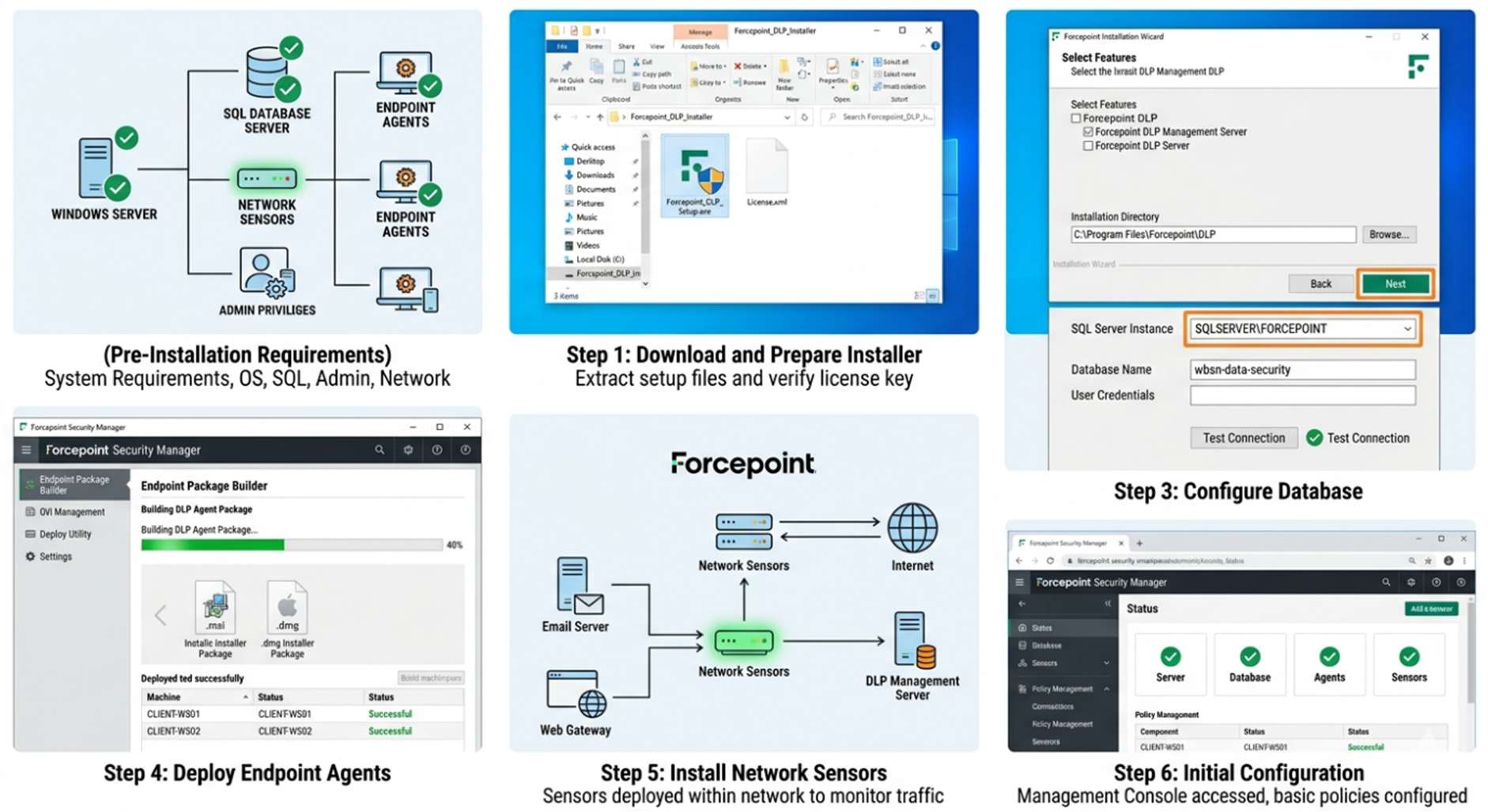
Screenshots:
B. Cloud Setup (MANDATORY)
- Cloud provider used: AWS / Azure
- Instance type: t2.medium (recommended)
Setup Steps:
- Create cloud instance
- Install agent
- Connect to SentinelOne cloud console
- Apply policies
Estimated daily cost: ~$1–3 depending on instance
7. CONFIGURATION
Basic Configuration
- Policy creation
- Agent grouping
- Scan scheduling
Advanced Configuration
- Behavioral AI sensitivity tuning
- Firewall control
- Device control policies
Integrations
- SIEM tools (Splunk, QRadar)
- SOAR platforms
APIs
- REST APIs for automation 8. HANDS-ON USAGE (PRACTICAL)
Step-by-step workflow
- Login to console
- Select endpoint
- Monitor processes
Main Function
- Detect & kill malicious process
Commands / UI Actions
- “Mitigate Threat” button
- “Rollback” option
Output
- Reports: Threat reports
- Alerts: Real-time alerts
- Dashboard: Attack storyline visualization
9. LAB SETUP (MANDATORY)
- Lab environment created: Virtual Lab (VMware / VirtualBox)
- Tools used: DVWA / Metasploit
- What was tested: Malware execution & detection
Results:
- Threat detected instantly
- Process terminated
- System rollback successful
10. USE CASE MAPPING
- Target users: SOC Analysts, Security Engineers
- Company size: Medium to Enterprise
- Industry: Finance, Healthcare, IT
Real-world scenarios
- Ransomware attack prevention
- Insider threat detection
- Endpoint compromise investigation
11. PRICING & SUBSCRIPTION MODEL (CRITICAL)
Pricing Type
- Subscription
Plans Available
- Free: No
- Paid: Yes
Billing Model
- Per endpoint
Cost Estimation
- Small company: $5–8/endpoint/month
- Medium company: $4–6/endpoint/month
- Enterprise: Custom pricing
Hidden Costs
- Infrastructure (if on-prem)
- Add-ons (XDR, Cloud security)
- Maintenance 12. FREE vs PAID COMPARISON
- Key differences: Only paid version available
- Limitations of free version: N/A
- When upgrade is required: Always (enterprise tool) 13. COMPETITOR ANALYSIS
Competitor 1
- Name: CrowdStrike
- Comparison: Cloud-native, strong threat intel, no rollback feature
Competitor 2
- Name: Microsoft Defender for Endpoint
- Comparison: Integrated with Windows ecosystem, less autonomous than SentinelOne 14. ADVANTAGES & DISADVANTAGES Advantages
- Autonomous AI detection
- Strong rollback feature
- Minimal human intervention
- Fast response
Disadvantages
- Costly
- Requires expertise
- Occasional false positives
15. ISSUES & TROUBLESHOOTING
- Issues faced: Agent not connecting
- Errors: Network/firewall blocking
- Fixes: Allow required ports
- Common mistakes: Incorrect policy configuration 16. SECURITY & COMPLIANCE
- Data handling: Encrypted telemetry
- Log storage: Cloud-based
- Compliance support: GDPR, HIPAA, SOC 17. SCALABILITY & PERFORMANCE
- Can it scale? Yes (enterprise-grade)
- Performance observations: Lightweight agent
- Enterprise readiness: High 18. DEPLOYMENT SOP (COMPANY USE)
- Requirement Checklist
- Architecture Selection (Cloud preferred)
- Installation Steps (Deploy agents)
- Configuration Steps (Policies & alerts)
- Validation Checklist (Test threats)
- Reporting Setup (Dashboards)
- Client Handover Process (Training & docs) 19. DEMO SUMMARY
- What was demonstrated: Malware detection & rollback
- Key findings: Fast detection, automated response, minimal manual effort
Dashboards
Alerts Dashboard
Threat Detections